Kick ducks bass, bass gets out of the way, mix gets cleaner. You’ve probably heard about that one before. It works, but there’s a lot more you can do with sidechain compression. The same compressor can act as a rhythm generator, a delay-clearing tool and a filter driver, and a lot of times those uses don’t come up in basic tutorials.
What I’ll show you here, is a toolkit of advanced sidechain compression techniques. Every one comes with a setup you can build in any DAW, using a stock compressor plus whatever extra tools you have. Some of the tricks need a plugin with a sidechain input. When a technique can be built another way, I show you how.
Beyond basic ducking
Kick-triggered ducking solves one problem: low-end collisions. It fixes the clash effectively and you can use the same compressor to make other instruments pump. In this case the kick is the trigger and it will duck any signal that is sent through the compressor.
The following three things are worth trying to shake things up a bit:
- The trigger. It doesn’t have to be the kick. Any signal can drive the compressor, including one you never hear.
- The target. Reverb tails, delays, a single frequency band or a filter cutoff can all be ducked instead of a whole track.
- The shape. The way the level recovers can enhance or destroy the groove. It needs to fit the tempo of the track. And a slow, curved recovery feels different from a fast one, and both feel different from an off beat pumping.
Let’s get into more detail.
Ghost triggers: sidechaining from a silent track to create your own groove
A ghost trigger is a track that feeds the sidechain input but never reaches your speakers. It gives you a pump pattern that is independent from your drums, so you are free to create any movement you want.
This is how you set it up:
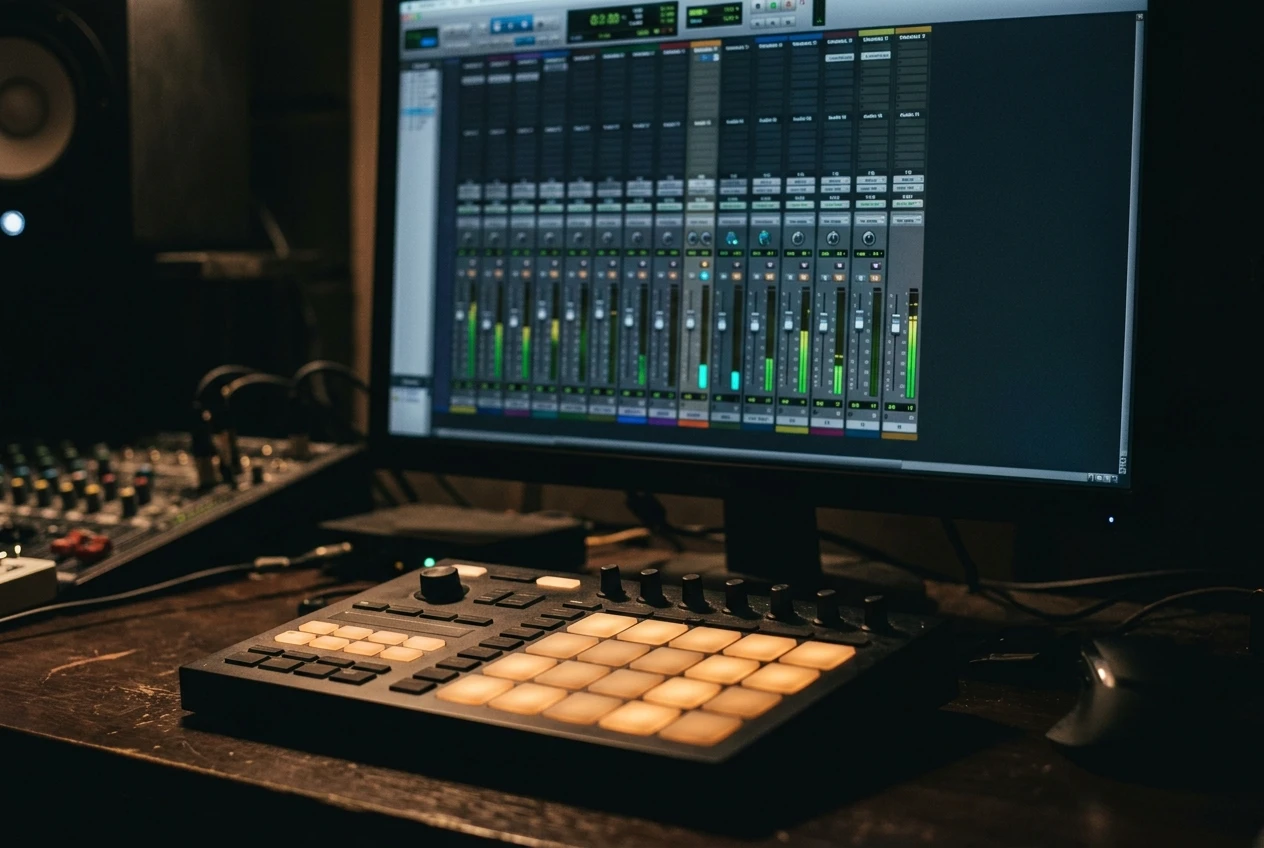
- Create a new track with a simple sampler plugin and load a short, sharp sound into it. A kick sample works fine, and so does a click or a short noise burst. Anything with a clear transient will do.
- Write a MIDI pattern for it. Try offbeat eighth notes, a syncopated sixteenth pattern or a triplet figure. Any pattern you want, really.
- Route this track to the compressor’s sidechain on the instrument or sound you want to make pump, usually a pad, a chord stack or a bass.
- Make sure the ghost track can’t be heard. Best is using a pre-fader send to the sidechain and pulling the fader down. A post-fader send would go silent along with the fader and the compressor would be triggered by nothing, so check which kind of send you have.
Now the pad ducks on the notes you wrote, not on the kick. A pattern that skips the downbeat and hits the “and” of two and four gives you a pump that pushes against the kick instead of lining up with it.
Velocity gives you more control. A louder trigger pushes harder into the compressor, so it ducks deeper. Writing a pattern with alternating strong and weak hits produces a pump with accents, and if your swing is already set on the MIDI clip, the ducking follows it.
Ducking reverbs and delays so the tails pump instead of smearing
A long reverb tail on a busy arrangement fills every gap. The tail keeps sounding through the spaces where the groove should breathe, so the track sounds washed out.
Insert a compressor after the reverb. Feed that compressor’s sidechain from the kick, the snare or a ghost trigger. Set a fast attack, a high ratio and a threshold that gives roughly 4 to 8 dB of gain reduction on the trigger hit. The tail drops out on each trigger and swells back in the space between.
With a snare as the trigger, the reverb disappears on the backbeat and blooms between hits. With a ghost trigger on the offbeats, the tail comes back on the beats instead, which makes a different kind of movement.
Try a different source for your delays. Take the sidechain feed from the dry signal that goes into the delay, such as a vocal, a lead or a pluck. While the dry sound plays, the repeats sit lower. When the dry sound stops, the repeats rise to full level. This keeps a delay audible without it fighting the part that creates it, and you can run it louder than you could without the ducking. With reverbs, this kind of ducking is also common on long vocal reverbs.
The release time defines how the tail behaves. A short release gives a choppy, rhythmic effect. A longer one lets the tail fade back gradually and sounds smoother. Try both and choose the setting you prefer.
Multiband sidechain: duck only the low end and keep the top alive
Normal ducking turns down the whole signal. That can be unwanted for a rich pad or a bass with harmonics, because when the kick hits, the highs drop out too, and the sound loses its brightness on every beat.
A multiband compressor with a sidechain input lets you compress only the low band. Set the crossover somewhere around 120 to 200 Hz, then apply the kick-triggered ducking to the lowest band and leave the bands above untouched. The low frequencies get out of the kick’s way and the harmonics keep playing through.

If your compressor is single-band, you can build the same thing by hand:
- Duplicate the track.
- Put a low-pass filter on one copy and a high-pass filter on the other, both at the same crossover frequency.
- Put the sidechain compressor only on the low-passed copy.
Use steep filters to avoid phase problems where the two copies overlap. Flip the polarity on one copy and listen in mono to confirm they combine cleanly, and check the low end again with the kick playing.
A dynamic EQ with an external sidechain input does something similar with one band. Set a band in the low range, feed it from the kick and let it dip only when the kick plays.
Filter and EQ sidechain tricks for movement without volume dips
Volume ducking is one way to make a sound move. A filter that opens and closes with the beat is another, and the level stays steady.
The easiest route is a plugin with an envelope follower that drives a filter cutoff. Feed it from the kick or a ghost trigger. Each trigger pushes the cutoff down, or up, and the sound darkens and brightens in time with the groove. A pad with a low-pass filter closing on each kick sounds like it’s being pulled back, with no level changes applied.
A second trick uses the sidechain filter that many compressors include. This filter shapes the signal that the compressor listens to, not the signal you hear. If you high-pass the sidechain input so the compressor only reacts to hi-hats, the ducking follows the hat pattern instead of the kick. Because the hats carry the rhythm in many tracks, this gives a more skittery movement than a kick-triggered pump.
A dynamic EQ works well too. Set a band around the muddy range of a pad and trigger it from a vocal or lead. The pad loses some of that range only while the vocal plays, which clears space without changing its overall level. If you want a refresher on where those problem ranges sit, the post on how to set an equalizer for clarity covers it.
Drawn curves vs compressor sidechain: when each one wins
Volume-shaper plugins such as ShaperBox, Kickstart and LFOTool, and the volume-curve tools built into some DAWs, let you draw the ducking shape directly. A compressor reacts to an incoming signal instead. Each approach has strengths.
Drawn curves win when:
- You want an exact shape, for instance a slow dip with a sharp snap back.
- You have no kick or trigger to key from, or you don’t want the extra routing.
- You want the same pump on every beat, locked to the tempo.
- You want to shape more than volume, because many shapers also drive filters and other parameters.
A compressor wins when:
- The trigger changes in level, and you want the ducking to follow it. A ghost pattern with varying velocities only works fully this way.
- You want the pump to react to what the kick is actually doing, such as when you change the kick sample, and keep sounding natural.
- The gain reduction should vary with the material, so a loud passage ducks more than a quiet one.
The curve is predictable and the compressor is responsive. Many producers use curves for pads and chords that need a consistent shape, and compressors for the parts that should interact with the drums.
Timing the release to your tempo so the pump stays in the groove
If the release is set by ear alone, it may drift out of time with the track. Set it by arithmetic instead, so the level recovers on the beat.
One quarter note in milliseconds is 60,000 divided by the BPM. At 120 BPM:
- A quarter note is 500 ms.
- An eighth note is 250 ms.
- A sixteenth note is 125 ms.
At 128 BPM a quarter note is about 469 ms. Divide that by two for an eighth, and by four for a sixteenth.
For a ducking effect that finishes recovering just before the next trigger, set the release a little shorter than the gap between hits. With a kick on every quarter note at 120 BPM, a release near 400 to 450 ms lets the level come back fully before the next kick. A release longer than the gap means the signal never fully recovers, and the next hit starts from a lower level, which makes the whole sound quieter and flatter.
Some compressors have an auto-release, and a few let you sync the release to the tempo. Fixed settings are easier to predict, so start with those and use auto only if the manual setting sounds wrong.
Common mistakes that make a ducking sound lumpy, and how to fix them
Most lumpy sidechain comes from a handful of settings.
- The ducking is too deep. Pulling down 12 dB or more makes the sound disappear instead of pump. Aim for the smallest reduction that still gives the movement you want, often 3 to 6 dB, and increase it only if the effect is too subtle or you actually want a drastic pumping effect.
- The release is too long. The level never recovers before the next trigger, so the sound stays low. Shorten it, or set it using the tempo arithmetic above.
- The attack is too fast on low sounds. An instant attack on a bass can cause a click at the start of each duck. Raise the attack by a millisecond or two, or turn on lookahead if the compressor has it.
- The ghost trigger is audible. If you hear a faint tick in the mix, the track is still routed to the output. Check the routing, or use a pre-fader send as described earlier.
- Every track uses the same ducking. A pad, a bass and a reverb return all pumping with the same shape can sound flat. Give each one its own release or curve, so the movements layer instead of stacking.
- The trigger and the kick don’t line up. If a ghost trigger sits slightly early or late, the ducking lands off the beat. Zoom in on the waveform and check that the transients align.
- Nobody checked mono. Multiband splits can shift phase, and the low end may thin out when summed. Play the mix in mono and see if the bass holds up.
When a sidechain still sounds wrong, bypass it and compare. If the track sounds better without it, the setting is the problem.
I hope this guide is somewhat helpful and gives a good overview on the various aspects of ducking. If you want to refresh some compression fundamentals, check out my guide to 6 of the best compressor plugins for beginners, which covers what to look for in a compressor with a good sidechain section, and my post on how to use parallel compression, which shows how to blend a compressed copy with the original for fat punchy drums.