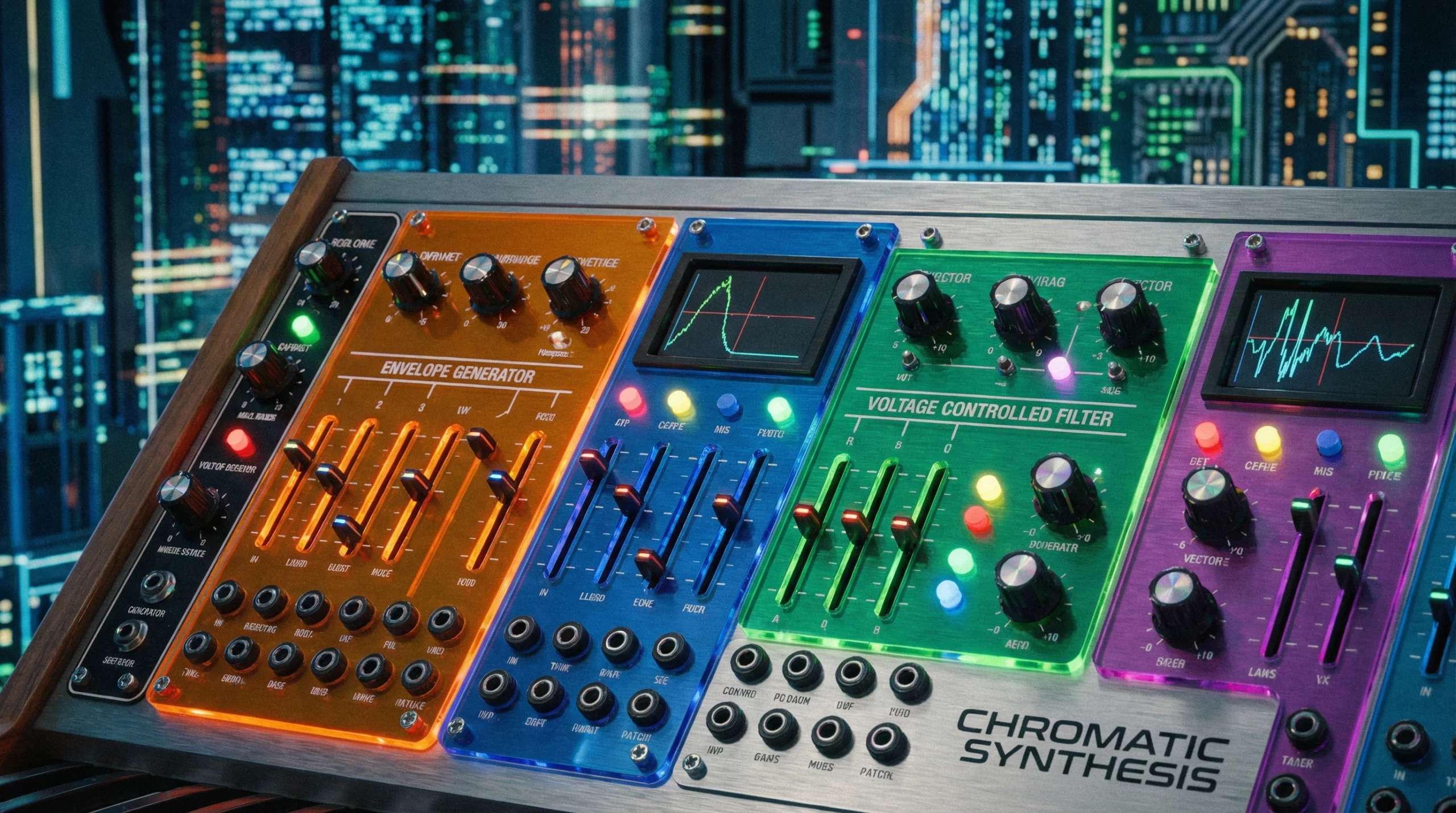
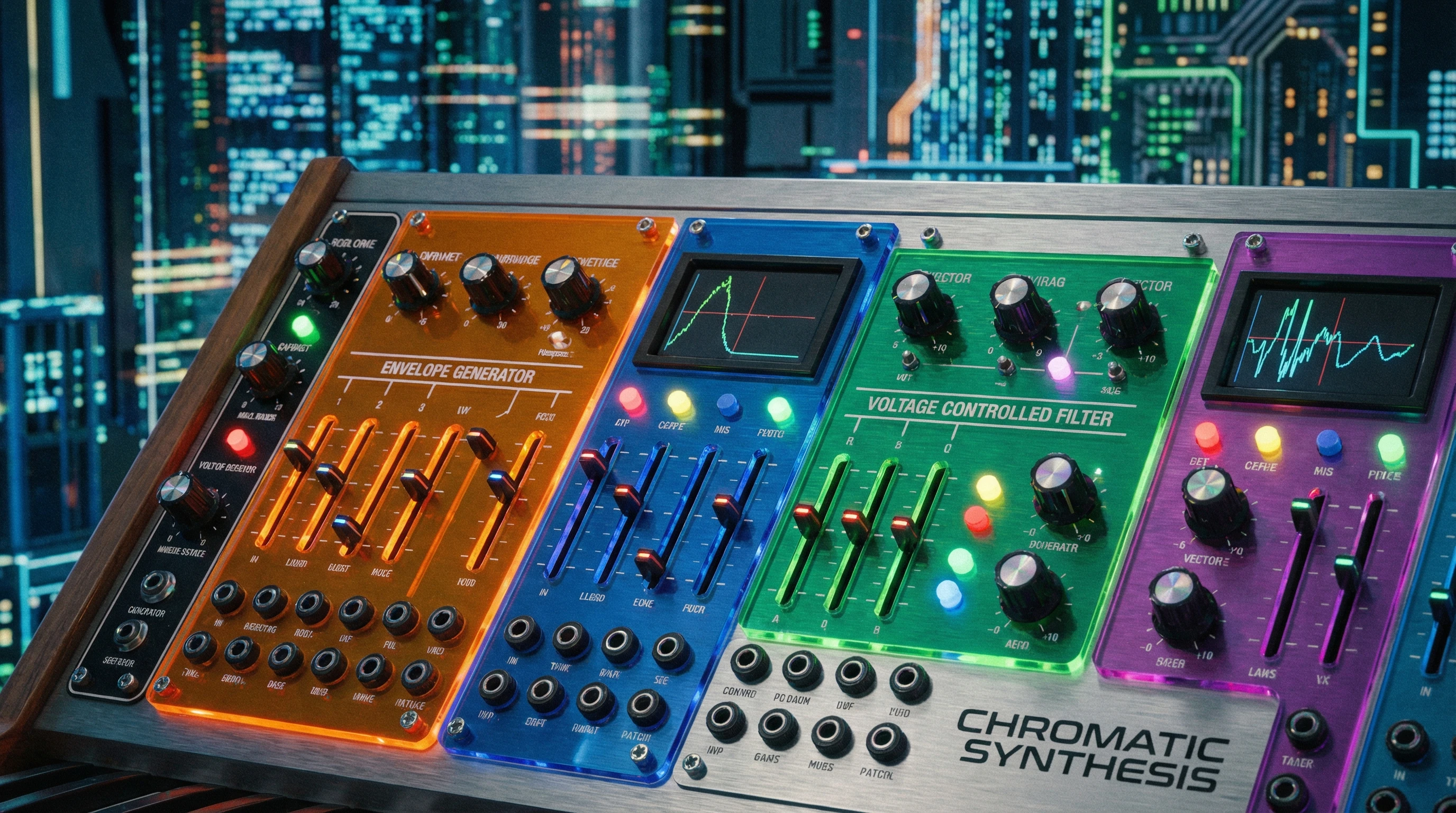
 Envelopes and filters are the real magic wands of sound design. Ask any music producer or electronic artist and you’ll hear the same: things get interesting when you learn how to shape your sound, not just play a note. If you’re ready to turn plain tones into expressive, alive music, understanding envelopes and filters is absolutely the place to start.
Ever tweak a synth patch and wonder why it suddenly sounds snappier, dreamier, or totally warped? That’s probably envelopes and filters at work. Learning how to use them gives you way more control over your music and opens up awesome sound design tricks you might’ve thought were only possible in big studio productions.
This guide covers the basics, but also some hands-on tips for dialing things in. Whether you’re using a DAW, hardware synth, or plugin, you’ll pick up practical ways to add movement and character to your sounds, fast.
Understanding Envelopes: The Building Blocks of Movement
Envelopes are basically your way of telling a synth how a sound should behave over time. Think of them as automation you build right into each keypress or drum hit. The most common envelope is the ADSR: Attack, Decay, Sustain, Release.
Breaking Down ADSR:
- Attack: How fast the sound goes from silence to full volume. Short attack means a sharp, immediate hit. Long attack gives you a swelling, padlike effect.
- Decay: After reaching full volume, how quickly the sound drops to the sustain level.
- Sustain: The steady level the sound holds as long as you keep a note held down. Unlike the other stages, this one is about level, not time.
- Release: How long the sound takes to fade out once you let go of the note.
Adjusting these curves lets you turn one sound source into a fizzy pluck, a roomy pad, a punchy drum, or anything in between. It’s easy to hear. Try setting a synth’s attack to zero and release to max, then do the reverse. Each change can feel like a completely new instrument.
Other Envelope Types
Sometimes you’ll see envelopes labeled differently, like AR (Attack/Release) or DADSR (ADSR plus Delay). Don’t worry about the names, because the concept stays the same. You’re controlling how something evolves from start to finish.
Filters: Sculpting the Tone
Filters shape the raw tone of your sound. They act like sonic sculptors, cutting or boosting certain frequencies to focus the sound’s energy. Most synths have a filter section, usually right next to the envelope controls.
Core Filter Types:
- Lowpass filter (LPF): Lets low frequencies through and cuts the highs. This is handy for thick basses or mellow pads.
- Highpass filter (HPF): The opposite, cutting lows and letting highs through. Try this for thin, airy leads or snappy percussion.
- Bandpass filter (BPF): Carves out a slice in the middle, removing both very high and low frequencies. It can give you pretty nasal or vocallike tones going.
Filter controls often include cutoff (the main “gate” for frequencies) and resonance (which boosts frequencies right at the cutoff point, making sweeps more dramatic).
Combining Envelopes and Filters for Big Impact
This is where the fun really starts. Instead of only using an envelope for volume, you can assign one to the filter’s cutoff. This means your sound can get brighter or duller as it plays, depending on how you shape the envelope. Percussive synths often start bright and get darker as they fade; a filter envelope is usually what’s responsible.
Easy Example: Classic Synth Pluck
- Set a lowpass filter with the cutoff turned down.
- Route an envelope to the filter cutoff.
- Dial in a fast attack, short decay, zero sustain, and a quick release on the envelope.
Now, each note will open up the filter quickly (a punch of brightness), then close down (getting dark and quickly vanishing). This is super useful for those groovy, catchy hooks that stick in your head.
Practical Ways to Use Envelopes and Filters
Give Sounds an Organic Feel
Acoustic instruments rarely hold a note at a flat level. Using envelopes to give each note a proper slope, like a piano’s sharp attack and tailoff, makes synths feel more convincing and alive. Try layering different envelope shapes for a more authentic sound, and you’ll notice the improvement right away.
Shape Your Percussion
- Short, snappy envelopes for drums and plucks add punch and definition. Adjust decay and release for different styles.
- Try quick filter sweeps on cymbals for that “wooshy” or “zippy” top end that grabs attention in a mix.
Design Evolving Pads
Using long attack and release settings gives pads a dreamy, cinematic swell. Put the filter cutoff under an envelope too, so the sound blooms as it grows. Consider adding subtle filter resonance and periodically shifting the cutoff for motion.
Modulate More Than Just Volume
You’re not stuck with working just the amp (volume) and filter. Many synths let you patch envelopes to other parameters, like pitch, pulse width, or even effects depth. It’s a playground for subtle tweaks or wild changes that give new life to your sounds. Experimenting with envelope destinations can help you stumble upon unique, unexpected tones.
Troubleshooting and Common Questions
My synth patch sounds lifeless. What am I missing?
Flatcurve envelopes can make everything sound robotic. Try dialing in more shape—faster attacks for drums, slower releases for pads, and experiment with filter movement. Even tiny envelope tweaks can bring a sound to life.
Why do filters sometimes make sounds disappear?
If you pull the cutoff down too low, you end up filtering out almost everything. Edge it up until you find the sweet spot, and use resonance to dial in more bite, not just brightness. Sometimes, small adjustments make all the difference.
I keep getting clicks in my sound. Help!
Clicks often show up if your attack or release is set to zero, especially on the amp envelope. Try adding just a couple milliseconds of attack or release, and those clicks usually vanish. If the problem sticks around, check your sample edits or overlapping notes.
Level Up: Some Handy Tricks
- Stack Envelopes: Many synths allow you to run multiple envelopes to different destinations, such as amp, filter, or pitch. Play with them for complex motion and rich layers that morph over time.
- Automate Envelopes and Filters: Use your DAW’s automation lanes to morph envelope or filter settings over time for tracks that evolve and shift naturally.
- No keyboard? No problem: Envelopes and filters also juice up samples, found sounds, or even vocals. Reshape anything you want and see how far you can push your creative ideas.
Another fun tip: combine filter envelopes with LFOs for extra movement. For example, use an LFO to gently modulate cutoff while the envelope pushes the sound at key moments. This kind of combining makes for deeply textured, ear-catching patches.
Bold Moves: Sound Design Is All About Experimentation
Every great synth sound you’ve ever heard was shaped with filters and envelopes. The wild, expressive patches aren’t about complicated theory; it’s about getting hands-on, twisting knobs, and hearing each move. Don’t worry about “rules.” Jump in, make mistakes, and let your ears guide you. You might surprise yourself and cook up something truly one-of-a-kind. Fire up your synth or sampler and put those envelopes and filters to the test. Dare to get weird; your next track might owe its magic to the tweaks you tried today.
If you ever get stuck, check out videos or sound design communities online. Often, a simple demonstration can clear up confusion fast. Jump into forums, ask questions, and share your favorite envelope and filter tricks. The more you explore, the more you’ll realize there’s always a fresh new sound waiting just around the corner.