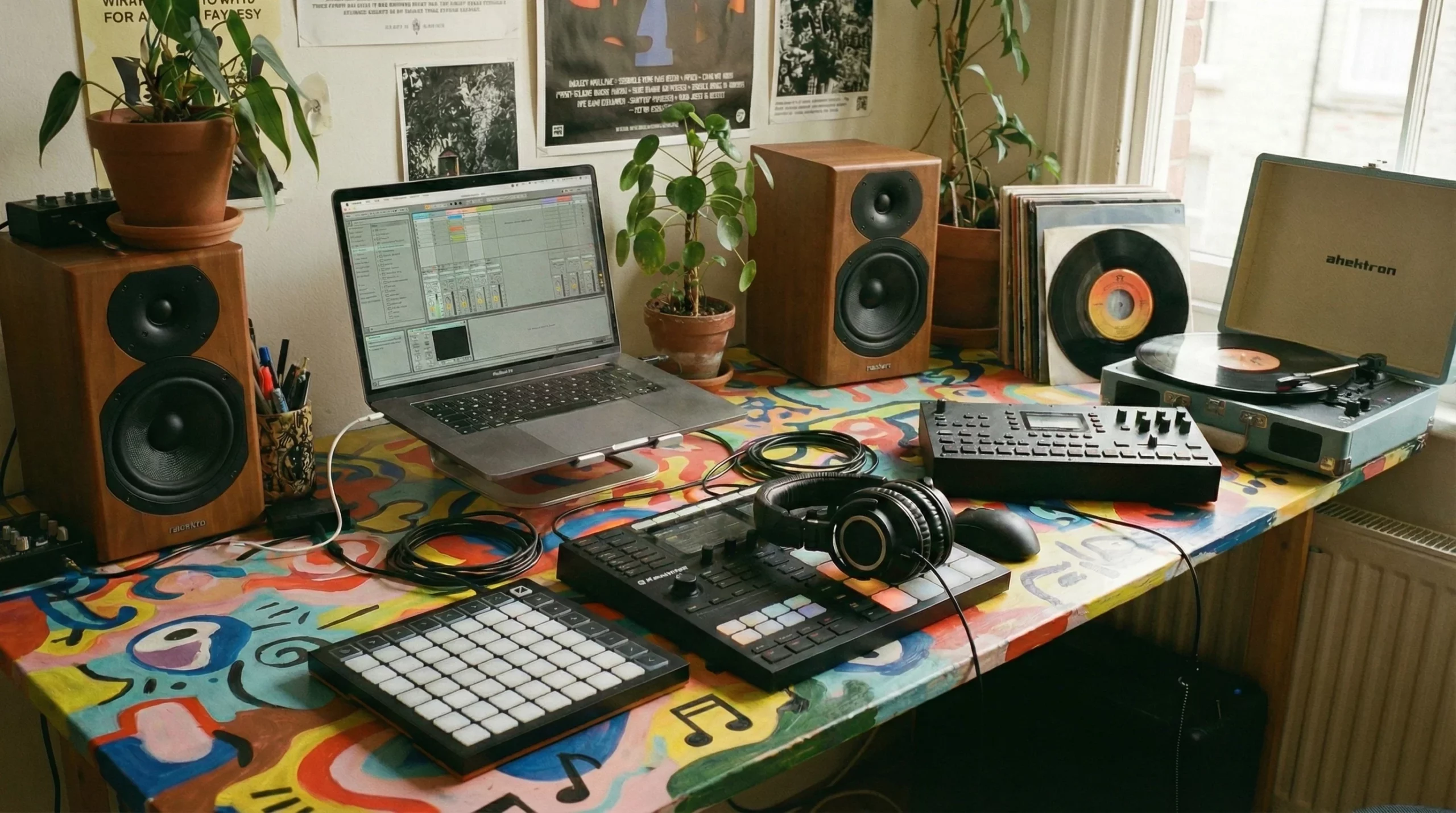
 For beginners looking to explore music production, sampling offers an easy way to start making beats and tracks without playing a single instrument. I’m breaking down what sampling actually means, how to start for cheap or free, the tools I find super useful, and what legal things you absolutely need to know before dropping your first track online.
Sampling’s been around since hip-hop’s early days and it’s still the heartbeat of tons of genres today. Whether you want to flip a jazzy riff, build a wild drum pattern, or just create some unique sounds, this guide is your jumping-off point. Sampling is continuously growing in popularity and as technology gets better and more accessible, more producers are pushing creative boundaries and making their mark. Let’s get into the world of sampling together!
What is Music Sampling?
Sampling is all about taking a piece of a recording; whether that’s a drum hit, vocal shout, or even a snippet of movie dialogue, and making it part of your own creation. Sometimes you might grab a melody from an old record, a sound from a YouTube clip, or a weird noise from outside. Anything goes, as long as you’re turning it into something fresh.
I remember the first time I sliced up an old drum break and put it behind my own chords. The groove changed instantly. That’s the magic of sampling. You’re borrowing little moments and making them your own flavor. There’s something eye-catching about breathing new life into forgotten sounds and turning them into a track that feels brand new. Sampling isn’t just copying; it’s about choosing, chopping, and rearranging until a new idea comes to life.
Getting Started: Tools and Mindset
You don’t need a massive budget or pro studio to sample. These days, you can start with your phone, your laptop, and optionally a cheap MIDI controller. What matters most is getting comfortable with listening and experimenting. Remember, even seasoned producers started as beginners, so don’t stress about equipment or fancy plugins at the beginning.
Here’s what helps when you’re new to sampling:
- A Good Pair of Headphones: So you can really hear what’s going on in the details.
- DAW (Digital Audio Workstation): Software like FL Studio, Ableton Live, or GarageBand will let you chop, rearrange, and tweak samples easily.
- Sampler App: If you just want to play around, apps like Koala Sampler (on iOS and Android) are super beginner friendly. Record or load a sample, tap some pads, and you’re making beats in minutes.
You don’t need to know a ton of theory or even play an instrument. It’s all about what sounds cool to you. Have fun, mess up, try again. That’s how you learn. The more you experiment, the faster you’ll get comfortable with manipulating sounds and creating unique beats.
Free and Budget-Friendly Sampling Tools
Koala Sampler
Koala Sampler is my go-to for quick, no-stress sampling. It costs just a few bucks, or there’s a free demo, and it’s available on both iPhone and Android. The interface is so simple: record straight into your phone or load in anything from your library, slice it up, slap effects on, then play it using the onscreen pads. There’s even an autochop function if you want to get wild with breakbeats.
Other Worthy Freebies
- Serato Studio (Free Edition): Great for basic beatmaking and realtime slicing.
- GarageBand: Comes free on Macs and iOS devices. Super intuitive for beginners, with loads of instruments and loops to blend with your samples.
- Audacity: Free, opensource audio editor. Not exactly a sampler, but good for chopping sounds.
- Spleeter: This tool splits full songs into stems like vocals or drums, giving you more options for sample material. There are free web apps powered by Spleeter, so you can try it right now without installing anything.
Hardware samplers do exist. There are some cool portable options like the Roland SP404 or Teenage Engineering’s PO33, but I always recommend starting with what you’ve already got. Once you’re hooked, you can save up for the gear. Budget doesn’t have to limit your creativity; free tools can get you very far as you build your skills and personal sound.
Tips for Tracking Down and Chopping Samples
Common Sources for Samples
- Old Records and Online Libraries: Vinyl, cassettes, YouTube, or sites like freesound.org or Splice are treasure troves for sounds.
- Field Recordings: The sounds of your street, apartment, or the bus are fair game. Just record straight into your phone or a portable recorder, experiment with ambience, voices, or even random noise.
- Synths and Drum Machines: Even basic presets can be sampled, chopped, reversed, or warped to build something custom.
How to Chop a Sample
- Import your sound into your sampler or DAW.
- Trim off silence or unwanted noise from the start and end.
- Slice or “chop” the sample into smaller pieces to rearrange, loop, or play on pads.
- Add effects: filters, reverb, pitch shift; these give a boost to the sample or make it unrecognizable.
I like to try out weird combinations and layer chopped samples over my own drum patterns or synths. Sometimes the best ideas come from total randomness and unexpected layering. Remember, even the simplest noise can become an ear-catching hook. Experiment with how you cut and arrange the pieces, and you can stumble upon something you never planned.
Legal Stuff: Copyright, Licensing, and Personal Rights
Sampling gets tricky when you want to release your music or share it online. Copyright laws can get strict if you use someone else’s recording without permission. Here’s what’s really important to know:
- If you sample another artist’s track, you usually need to clear the rights. That means contacting the publisher or using a licensed platform like Tracklib.
- There are lots of royaltyfree samples online. Sites like Splice, Looperman, and LANDR offer packs you can use in your music, no permission needed.
- Public domain content (pre1920s recordings, government archives, etc.) is generally free to sample, but doublecheck before you use anything.
- Be careful with vocal samples from random people; get permission or record yourself and friends to be safe.
I always recommend flipping samples so they sound less like the original, adding effects or pitching, and, if you’re planning to make money from your song, researching copyright rules in your country. Some artists use tiny chops, rearrange everything, and call it “transformative use,” but this isn’t a free pass. When in doubt, use royaltyfree sources or your own recordings. Learning these basics can save you headaches later on and helps you keep your music journey drama-free.
Beginner Mistakes to Avoid
- Sampling just because “everyone does it”; listen and choose sounds you actually like.
- Ignoring gain levels; keep samples from peaking or distorting.
- Forgetting about timing; line up your chops with your beat for a cleaner groove.
- Relying only on presets; try making your own sample packs as you go.
The process is half the fun. Sometimes a sample just won’t fit, and that’s okay. Use each project as a chance to get better at finding, slicing, and shaping sounds. Take time to play with your workflow and don’t stress about “rules”—your creativity matters more than doing things by the book.
Common Questions & Simple Troubleshooting
Can I sample any sound I want?
Creatively, yes. Legally, you’ll run into trouble if you sample big-name songs for commercial releases without permission. For practice, you can chop anything at home. Just hold off on sharing until you’re sure you’re in the clear.
Why do my samples sound bad or out of sync?
- Check your tempo and timing; stretch or cut samples so they match your beat.
- Try EQing background noise out or chopping out awkward silences.
- Don’t be afraid to resample, layer, and pitch up or down until it works.
What if I don’t have any good samples?
You’d be surprised what sounds awesome when chopped, pitched, and layered. Field record something random, or search free sample packs online to practice. Over time, you’ll build your own library of custom sounds, and even trash recordings can become gems when you mix things up and experiment.
If you hit a creative wall, try a new technique, like recording household items or remixing your own voice. The best part about sampling is that there’s really no right or wrong—it’s all about your perspective and willingness to try fresh approaches.
Bounce Forward: Your Sampling Challenge
Sampling is wide open, whether you’re scratching old records or flipping movie quotes from your phone. You get to create beats, loops, and jams out of thin air. Try loading up Koala Sampler or a free DAW, grab a weird noise, and see where it takes you.
Get creative, blend genres, and honestly, don’t be scared off by copyright. Learn the rules, but don’t let them stop you experimenting privately. The wild part about sampling is the surprise, so push past what sounds familiar. Create something no one’s ever heard before. I dare you. Once you get the hang of chopping and combining sounds, you’ll quickly find yourself making music that’s truly yours—unique, fresh, and distinctly you.