Audio compression can be a bit of a mystery when you’re starting out in music production or mixing. It’s one of those tools that you hear about everywhere, but without a guide, all those knobs and sliders can look pretty intimidating. I’ll walk you through what a compressor actually does, why it’s worth using, how its main settings work, and even include typical settings for different instruments. Let’s make sure the next time you open up a compressor plugin, you know exactly what you’re dialing in.
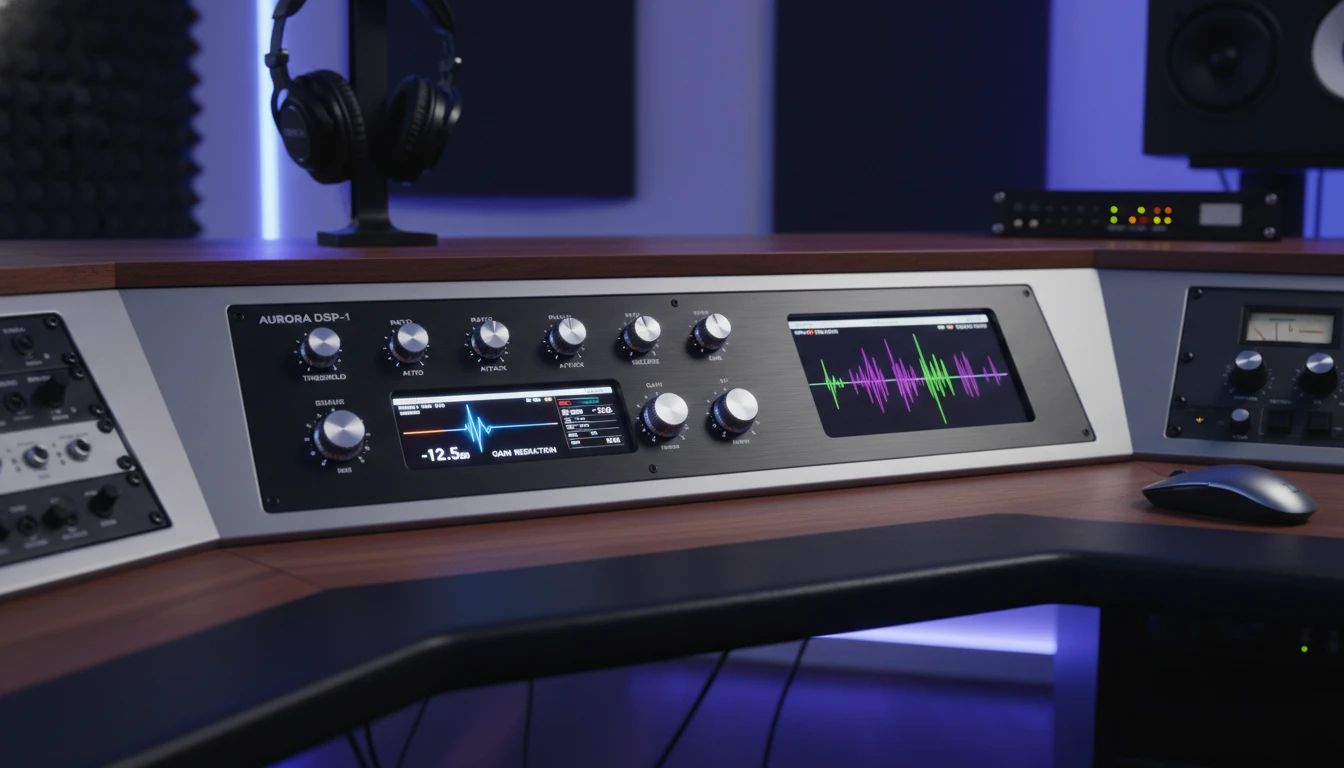
What a Compressor Does (in Simple Terms)
Think of a compressor as a tool for taming wild changes in volume in your audio. It doesn’t flip your sound on its head, but instead subtly shapes those loud spikes so things feel smoother and more even. It really shines when you want your audio to sit well with other tracks, keeping the mix balanced and adding a bit of polish.
- Controls Peaks: Whenever the volume starts to jump out, maybe a snare hit or a loud vocal moment, the compressor jumps in and pulls it back.
- Shapes Sound: Compression can be really gentle, just ironing out the edges, or totally creative and obvious, like the classic pumping effect in some dance music.
- Makes Tracks Gel: When you use compression across groups of tracks, you get that nice, cohesive sound, often referred to as glue.
Most compressors are incredibly flexible. If you want things to sound natural, you can dial in just a hint. If you want to get more experimental, a compressor can bring all sorts of color and vibe to your mix.
Unlike standard level controls, a compressor responds automatically, which lets it react to fast or unpredictable changes—a key reason why it’s become such a vital tool in music across genres.
Why Use a Compressor?
Bringing a compressor into your workflow is pretty handy and sometimes feels almost invisible, until it’s not there. Here’s why we reach for them:
- Balances Loud and Soft Parts: Tracks with big differences in volume can be tricky. Compression helps even things out, so nothing overwhelms your mix.
- Adds Sustain: If an instrument fades too quickly, a bit of compression can help the sound linger and grab more detail.
- Gives a Polished Feel: Slight compression across several tracks can glue them together, making the mix sound finished and not like separate pieces fighting each other.
Some simple compressor designs even combine the controls into one “Compression” knob. This kind of design is really popular on pedals for guitar or bass, where ease of use is more important than detailed tweaking.
Besides adding balance, compression can make certain details in your recordings easier to hear. Softer breaths in vocals, faint fret noise on guitars, or lighter touches on drums get a little extra presence when compressed, making performances feel more intimate and defined.
The 5 Main Compressor Settings Explained
Even basic compressors let you control how and when the compression happens. Here are the five main settings you’ll find:
- Threshold
This is the level where the compressor starts clamping down on the volume. Set the threshold lower, and more of your track will get compressed. With a higher threshold, only the loudest parts trigger the compressor.
- Ratio
The ratio tells you how much the compressor reduces the volume of sounds that go over the threshold. A ratio of 2:1 is pretty gentle (it sort of cuts anything above the threshold in half), while 10:1 or “infinite” ratio acts almost like a wall, stopping peaks from getting past at all. This is sometimes called brickwall limiting.
- Attack
Attack is all about speed. It’s how quickly the compressor reacts when the audio crosses the threshold. Fast attack catches quick spikes (great for drums), while slower attack lets the start of the sound through untouched and only smooths out the longer sustained part. This is nice for vocals and strings.
- Release
Release is the opposite of attack; it controls how fast the compressor “lets go” after the audio dips back below the threshold. Short release means the compressor relaxes fast, while long release hangs onto the compression for a smoother, laidback feel.
- Gain (aka Makeup Gain)
Compression reduces loud peaks, which can leave the overall volume a bit lower than before you started. The gain (sometimes called “makeup gain”) lets you boost the entire signal back up. This is pretty important because you want to make sure the track still sits well in the mix without suddenly being too quiet.
When adjusting gain, it helps to A/B test; flip the compressor on and off, and try to match the perceived loudness so you’re not deceived by changes in volume alone.
A Quick Guide to Using a Compressor Effectively
Getting a grip on these controls takes a bit of practice, but it’s not rocket science. Here are my top tips for using a compressor without overdoing it:
- Start Gentle: Use mild settings at first. It’s easier to add more compression than it is to fix an overcompressed signal.
- Listen, Don’t Just Watch: It’s tempting to trust the gainreduction meter, but your ears will tell you more. If it starts to sound squashed or lifeless, back things off.
- Tweak One Control at a Time: Play around with each parameter and get a feel for how it changes the sound. Combining small tweaks adds up.
- Subtle Compression is Key for “Glue”: Putting a little bit of compression on several tracks can make them sit together better, rather than one track dominating.
There’s no “one size fits all,” so experimenting with settings on different instruments will help you develop an instinct for what works.
Try using compression in different parts of your signal chain—before and after EQ (I usually reach for the latter), or even on effects returns. Don’t be shy to experiment.
Typical Compressor Settings for Different Instruments
If you’re new to compression, having a starting point can be a big help. Most compressor plugins come with presets for different instruments. I suggest you use these or try some of the following typical settings. Feel free to adjust based on taste and the sound you’re after:
- Vocals: Threshold around -12 dB, ratio 2:1 to 4:1, attack 5–20 ms, release 40–100 ms, just enough gain to level match.
- Drums (Kick & Snare): Threshold -6 to -10 dB, ratio 4:1 to 8:1, fast attack (1–10 ms) for snare/kick punch, medium release (30–60 ms) for tightness.
- Bass Guitar: Threshold -8 to -15 dB, ratio 3:1 to 6:1, medium attack (10–30 ms) to let the attack click through, longer release (50–120 ms) for sustain.
- Acoustic Guitar: Threshold -12 dB, ratio 2:1 to 4:1, attack 10–30 ms, release 60–100 ms. Enough to smooth strumming but keep the sparkle.
- Piano/Keys: Threshold -8 dB, ratio 2:1 to 4:1, slower attack (20–50 ms) to not squash initial notes, release 80–150 ms.
- Mix Bus (“Glue”): Threshold just catching 1–2 dB of reduction, ratio 2:1, slow attack (30 ms+), medium release (50–100 ms), very subtle gain if needed.
Context is everything though. An aggressive rap track might need more control, while a relaxed afro house tune may do better with less compression. Go by what sounds right, not just by the numbers.
It can also help to listen to a reference track in your genre and compare your compression choices. Sometimes, a quick way to get inspired is to check out how a favorite recording handles dynamics and then try mimicking that feel by adjusting your own compressor settings.
Things to Know Before Relying on Compression
- Original Source Quality Matters: Compression can’t fix a bad recording. If the source is noisy or has lots of mistakes, compression might even make those flaws more obvious.
- Compression Isn’t a Cure-All: Sometimes EQ or simply adjusting levels gets you where you need to go without using a compressor at all.
- Clipping Risks: Pushing the gain up too far after compressing can lead to digital distortion. Keep an eye (and ear) on your output levels and don’t fall into the louder sounds better trap.
- Listening Environment: This one is pretty ovious but important – subtle changes from compression are way easier to judge if you’re monitoring in a quiet space or with good headphones.
The more you practice with compression, the better you’ll get at making those little adjustments that add up to a big difference. Trust your ears, be patient, and remember, compression works best in service of your song; not as an effect just for its own sake.
Consider revisiting your compressed tracks the next day, since fresh ears can help you spot if you’ve gone too far or not far enough. Ask friends or mentors to listen, too, since it takes a while to get a good feel for the sound of compression.
FAQ: Common Questions About Compression
Question: Do I need to compress every track?
Answer: Not at all. Use compression where it improves the sound or helps the track fit better in the mix. Some tracks (like ambient sounds or effects) may not need any compression.
Question: How do I know if I’m using too much compression?
Answer: If a track sounds lifeless or like it has lost all its punch, you might be overcompressing it. Listen for unwanted pumping or an unnaturally flat sound, which are clues to back off the compression.
Question: Are plugin compressors different from hardware ones?
Answer: They both work on the same principles, but hardware units can add unique subtle character or coloration. Plugins are super convenient and flexible, and there are plenty that model classic hardware if you’re after that vibe.
Wrapping Up
It’s easy to get lost in technical jargon, but once you get the hang of compressor controls, it becomes a super useful part of your music toolkit. Understanding compression pays off by making your mixes punchier, more consistent, and way more enjoyable to listen to. No wild level jumps—just music that feels locked in. Try out some settings, trust your ears, and have fun shaping your sound. Remember, learning compression takes some patience, but once you get comfortable, your mixes will sound more professional and controlled with every project.
4 replies to "Compressor Settings Explained"
This is such a clear, approachable breakdown of compression, and it’s exactly the kind of explanation beginners need. So many new producers hear “use a compressor” without ever being told why or how, and your walkthrough removes that mystery without overwhelming people with jargon. I especially like how you explain threshold, ratio, attack, and release in practical, musical terms rather than strict technical definitions. The instrument-specific starting points come in really handy, too —they give newcomers something concrete to try while they train their ears.
What really stands out is your reminder that compression isn’t about smashing everything flat, but about shaping dynamics so the mix breathes and feels cohesive. The advice on subtle mix-bus glue and trusting your ears is spot-on. Overall, this is one of the most beginner-friendly compression guides I’ve seen—super informative and encouraging.
Hey, thanks so much for the thoughtful feedback—really appreciate it.
You nailed exactly what I was going for with that post. Compression gets thrown around constantly, but a lot of people are twisting knobs without understanding what’s actually happening to their sound. Yes, you should use your ears and try different settings, but understanding what’s going on definitely helps achieving the sound you’re after.
The instrument-specific starting points were something I found helpful when I was learning years ago—back then it was books and magazines (no Youtube lol) that had those kinds of references. Having that concrete place to begin makes big difference when you’re still training your ears. It’s just a good starting point for experimenting and developing your own approach.
And yeah, the “smashing everything flat” trap is real. Dynamics are what make music feel alive.
Glad this resonated with you. Are there any other production topics you’d like to see broken down in a similar way?
I actually need to learn more about the ins and outs of creating and editing music. I own a dance school and this type of information would be very useful to know. At the moment I only know how to use the basics of Wavepad, but there are so many wonderful things that you can do to music if you have the right tools and knowledge.
I think I should invest in a compressor for the studio, as my pet hate is when the music goes from loud to soft across the different tracks. It would be nice to be able to put it on a setting so that all the music is the same level and gels nicely.
Hey Michel, thanks for your comment. As you have a musical background and already have some experience with Wave Pad, why not give music production a try. Using your own music in your music school, could be very inspiring. You can start with free music production software like Pro Tools Intro from Avid or LUNA from Universal Audio. Akai have a free beat making software called MPC Beats. Search the net and you’ll find more. Just pick one that you resonate with and get going.
If you use streaming services for music playback in your dance studio, maybe you need to change a setting, so the music is played back level matched. Most – if not all – streaming services offer such a setting.
If you play the music from CD or straight from your computer or phone, a compressor with slow settings could certainly even out some of the differences between tracks. But you should definitely check how you could integrate it into your setting.
The cheaper alternative would be level matching them one by one in Wave Pad. That would also have the advantage of leaving the internal dynamics of the music untouched.
I hope that helps. Please let me know if you have any questions.