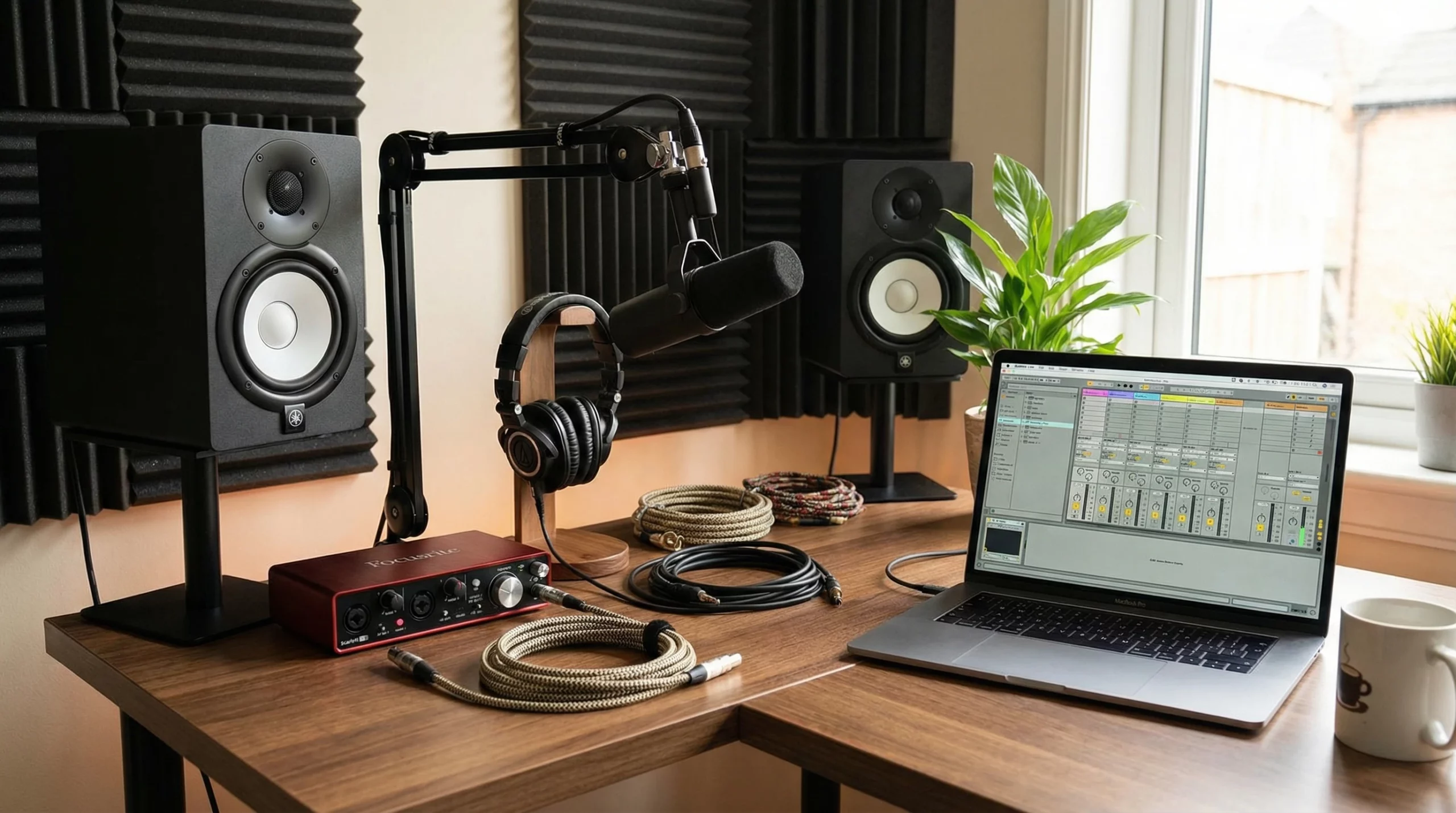
If you’re dipping your toes into music production, an audio interface is one piece of gear that you’ll hear about from pretty much everyone. It may sound geeky, but trust me, getting a handle on the basics makes everything smoother. Whether you’re recording vocals, plugging in a synth or mic, or just making sure your music sounds its best, a good audio interface makes the difference. Here’s my take on what to expect, what to look for, and what actually matters in an audio interface for new producers.
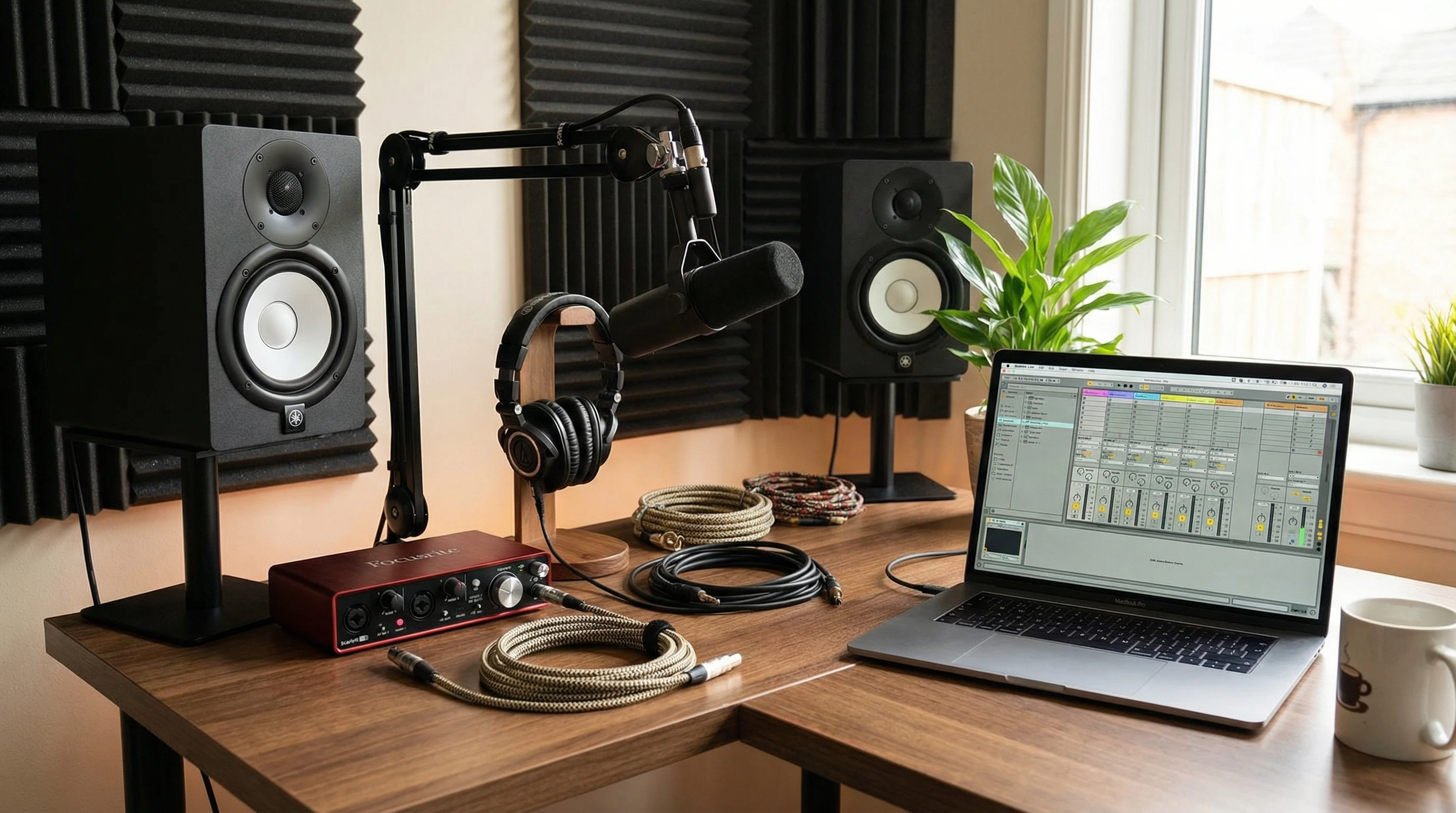
Why an Audio Interface Matters for Music Producers
Every computer already has a built-in sound card, but it’s not really built for music making. An audio interface steps things up by handling how sound goes in and out of your computer. Think of it as your main hub for recording, playing instruments, and listening back—all with better sound quality and more flexibility than your laptop’s headphone jack.
Audio interfaces come in all shapes and sizes. You’ll find little ones perfect for a backpack studio, or bigger units that can manage entire bands at once. For most beginner producers, a simple two channel interface does the trick, letting you plug in a mic and an instrument at the same time.
Beyond just audio quality, an interface often gives you essential features like volume controls, easier access to inputs and outputs, and improved reliability over time. A good interface can convert what might have been a frustrating tech experience into an enjoyable one, freeing you up to focus on making music instead of troubleshooting hardware.
Key Features of Audio Interfaces Explained
Every audio interface is packed with features, but not all of them are important right away. Here are the basics most producers care about:
- Inputs: These are where you plug in microphones, guitars, keyboards, or drum machines. Most interfaces offer a mix of XLR (for mics) and 1/4″ (for instruments) inputs.
- Outputs: Outputs send the sound from your computer to your headphones or speakers. A good interface gives you clear, powerful sound both coming in and going out.
- Phantom Power: Some microphones (like condensers) need a little extra juice to work. Phantom power supplies 48 volts to your mic input with the push of a button. Pretty handy if you’re using studio mics.
- Headphone Jack and Volume Controls: Listening on headphones is a big part of producing, especially if you’re working late or in shared spaces. Having a dedicated headphone output and its own volume knob makes things way easier.
- Gain Knobs: These dials adjust how much signal goes in. If your volume’s too low, you get a weak recording; too high, and it clips or distorts. Easy-to-use gain controls help you avoid both problems.
Understanding Inputs and Outputs
Audio interfaces usually advertise how many “ins” and “outs” they have, and this can be confusing at first. Here’s how to break it down:
- Mic Inputs: Plug your microphones here. Perfect for recording vocals or acoustic instruments.
- Instrument Inputs: Made for guitars, basses, or keyboards that don’t need a mic. These handle higher signal levels and can make a huge difference in sound quality.
- Line Inputs: These are for things like synths, mixers, or drum machines. Anything that doesn’t need extra boosting.
- Main Outputs: Send your mixed sound out to speakers or a mixing board.
- Headphone Output: Straightforward—where your headphones plug in! Some interfaces even have two, which is perfect for collaborating or switching between headphones.
Getting the right amount of ins and outs is super important. If you plan to record a band or do podcast interviews, you’ll probably want more. Solo producers usually find two is enough.
Many interfaces also give you flexibility in routing signals, letting you direct audio to different speakers, headphones, or other gear. This can come in handy as you add more equipment or want to experiment with creative routing options.
Dealing with Latency: What It Is and Why It Matters
“Latency” basically means the delay between playing or singing into your interface and hearing it back through your headphones. Too much latency makes it feel like you’re out of sync. Most modern audio interfaces do a good job keeping it low, but it also depends on your computer and settings.
Some interfaces offer “direct monitoring.” This feature lets you listen to yourself in real time before the sound hits your computer and bounces back. Flipping the direct monitoring switch (or knob) is a lifesaver for vocalists, guitarists, and anyone who needs instant feedback as they record.
It’s a good idea to check the latency specs for your audio interface, especially if you plan to record live instruments or vocals often. Low latency makes for a much smoother and more enjoyable recording experience; even a small delay can mess up your timing and make things frustrating fast.
Connection Types: USB, Thunderbolt, and More
How your interface plugs into your computer matters for speed and convenience:
- USB: The classic choice; almost every computer has USB, and it’s good for most projects.
- Thunderbolt: Faster and found mostly on Macs. Worth checking out if you do big sessions with lots of tracks.
- Other connections: You might see FireWire or USB C, but for most beginners, standard USB works fine.
If you’re on a laptop from the last few years, USB will get you up and running. If you upgrade later to bigger projects and tighter latency, you might consider Thunderbolt. Still, it’s not a dealbreaker.
Phantom Power: When Do You Need It?
If you’re using a condenser mic to record vocals or acoustic guitar, you’ll need phantom power. It’s usually just a button marked “48V.” Not all mics use this, but it’s really important for studio recordings. Don’t worry if you’re just plugging in a keyboard or electric guitar; they don’t need it.
If you ever want to expand your studio or try recording with ribbon microphones (which get damaged by phantom power), make sure your interface can provide phantom power safely. Always double-check which of your mics actually need this boost so you don’t accidentally harm any sensitive equipment.
Build Quality and Portability
Some audio interfaces are built tough and can handle being tossed in a backpack, while others are deskbound or rack units made for permanent setups. If you’re recording in a bedroom studio, something compact and sturdy is a great pick. Check for metal casing and solid feeling knobs; they survive knocks better than plastic ones.
Portability matters a lot if you’re often on the go or swapping between different workspaces. Compact designs and bus powered interfaces that get their power from your computer are perfect for mobile producers or musicians who gig regularly.
MIDI Connectivity: Plugging in Controllers and Synths
MIDI ports let you connect midi keyboards, drum pads, and other gear that sends digital notes instead of real audio. If you want to control software instruments or hardware synths, having MIDI in and out on your interface saves the trouble of buying a separate MIDI box.
It’s not a necessity for everyone, but it’s pretty useful if you want to grow your studio later. Even basic interfaces often include MIDI these days.
Being able to work with MIDI gear expands your creative options, letting you tie together hardware and software instruments with ease. If you see yourself building up a home studio over time, having MIDI ports now is a smart move.
Common Audio Interface Features That Make Life Easier
- Pads: Sometimes you end up with a super “hot” signal that’s too loud for the input to handle. Pad switches drop the input level so things stay clean and clear.
- HiZ Switches: These help with guitars and basses, matching their signal better for better sound.
- LED Meters: Quick visual feedback on if your levels are just right, too low, or clipping. Super useful for checking at a glance.
Features like these, while they might seem minor early on, can save you lots of time. LED meters make it easy to spot problems before they become an issue, while pad and HiZ switches mean you don’t waste takes adjusting levels manually or swapping out cables. Most interfaces also have software control panels for routing or mixing inside your computer, which adds another layer of flexibility.
Troubleshooting: What Can Go Wrong?
- Driver Issues: Sometimes your computer won’t recognize your interface right away. Downloading the latest drivers from the manufacturer usually solves it fast.
- Noise and Hiss: Using cheap cables or having a messy power source can lead to noise. Stick with decent cables and plug into outlets with less interference. Sometimes USB powered interfaces can pick up computer noise as well.
- Levels Too Low or Too High: If you’re getting weak recordings or nasty distortion, double-check your gain knobs and pads.
Every setup can come with its own gremlins. Small changes—swapping a cable, moving your audio interface away from wireless routers, or checking your power strip—can make a huge difference in noise and reliability. Stay patient and work through problems step by step.
Practical Use Cases for Different Producers
- Bedroom Producers: A small interface with two inputs is plenty. You can record vocals and guitar, or track keys straight to your computer.
- Beatmakers: MIDI is helpful if you’re working with drum pads, midi keyboards or external synths. Look for one with at least a MIDI in port and low latency performance.
- Podcasters: Two mic inputs let you record interviews or co-hosts. Look for clear monitoring and simple headphone controls.
- Musicians Who Gig and Travel: Something compact and USB powered is the way to go. Easy to carry and doesn’t need its own wall wart.
Keep in mind that these categories can blur together; you might start out producing beats and end up recording podcasts or live bands. Picking a flexible, forward thinking audio interface means you won’t outgrow it too soon.
Frequently Asked Questions
Question: Do I need an audio interface if I only make beats or use virtual instruments?
Answer: You can get by without one, but even for all digital music, an interface gives your headphones or monitors better sound, and it lets you record external gear if you want to step up your studio later.
Question: What sample rate and bit depth should I pick?
Answer: Most people go for 24bit, 44.1 or 48kHz. That’s high enough quality for almost any project and keeps things simple.
Question: Why do my recordings sound quiet or distorted?
Answer: It’s usually the gain knob; turn it up if it’s too quiet, or back it off if you see the clip light or hear fuzziness.
Question: Can I use multiple audio interfaces at once?
Answer: It gets tricky. Most software prefers to use only one at a time. If you need more inputs, upgrade to a bigger interface instead.
Question: Do audio interfaces work with all digital audio workstations?
Answer: Nearly all interfaces are compatible with major DAWs such as FL Studio, Ableton Live, Logic Pro, and Pro Tools. Check your interface’s specs to ensure smooth performance, but in most cases, setup is quick and easy.
Takeaway for New Producers
The coolest part about audio interfaces is how much creative opportunity they let you tap into, without needing a super technical background. Don’t stress over every feature. Pick an interface that covers your basic needs, plug it in, and start making noise. The rest comes with experimenting, making mistakes, and figuring out what makes your music sound how you want. Trust your ears, keep it simple, and don’t let tech hold you back from sharing tracks the world actually hears. Remember, every producer’s adventure is unique. So jump in and start crafting your sound today.