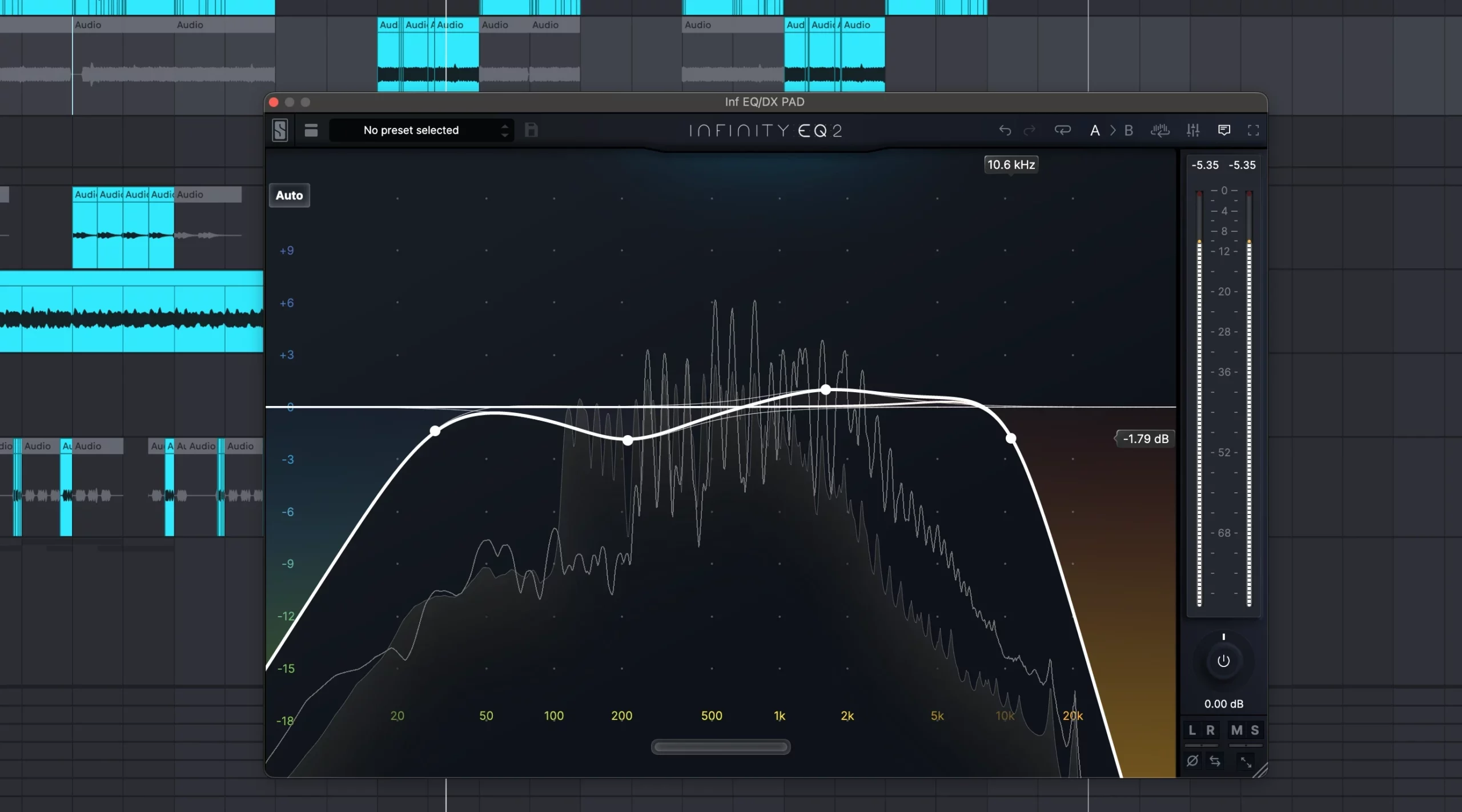
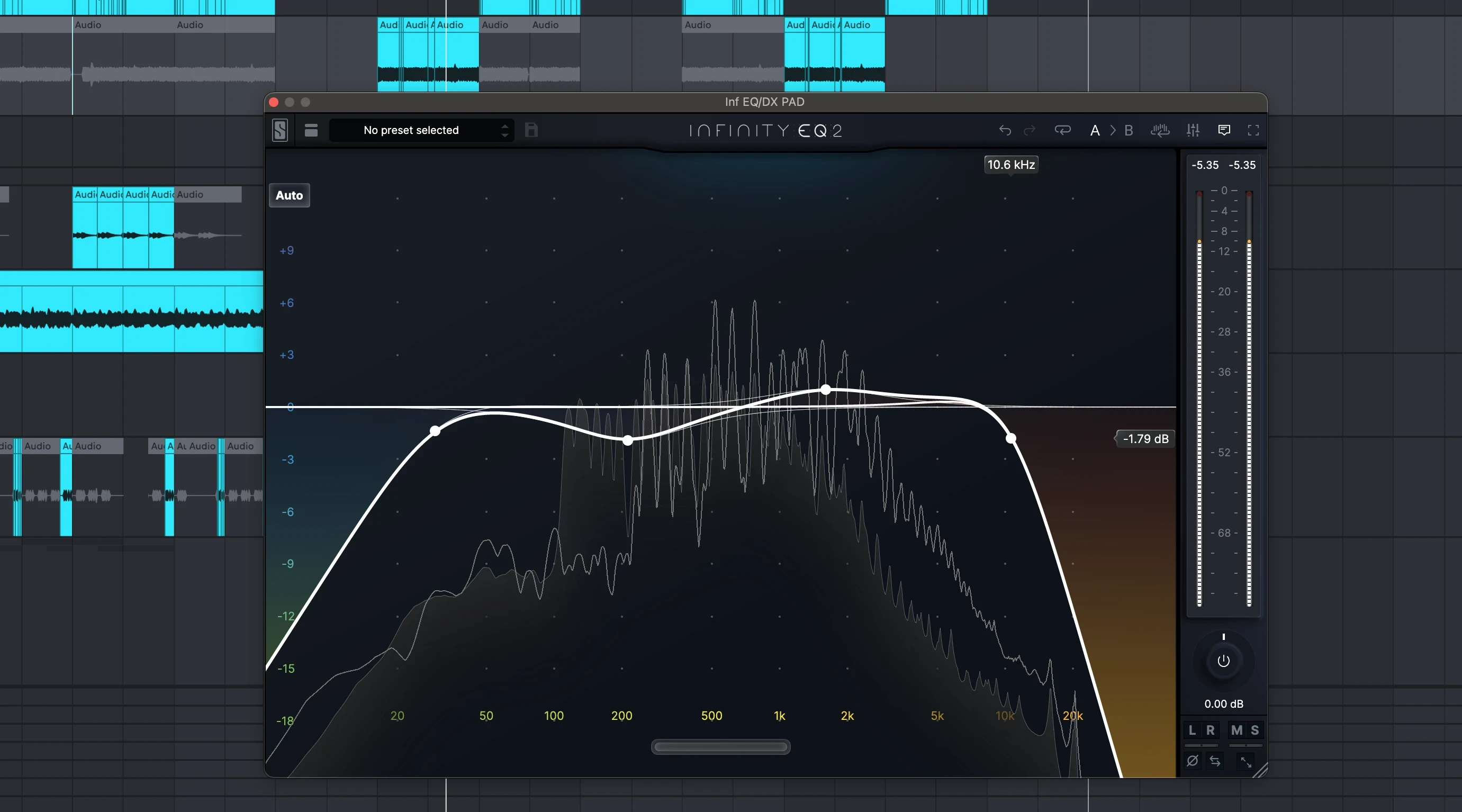
 Setting up an equalizer for clarity may seem simple, but it gets tricky when you start fiddling with all the knobs and sliders without a plan. If your mixes always sound muddy, harsh, or muffled, there’s a good chance your EQ settings need a tweak.
Too many folks start by boosting everything they want to hear more of, which piles up fast. I find clarity actually comes from cutting, not boosting. It’s a game-changer once you get the hang of it.
This guide breaks down my approach. No technical jargon. Just practical steps, some common pitfalls, and actual settings you can try. Best of all, you don’t need fancy plugins. All the basics apply whether you’re using your DAWs stock EQ, a fancy Pro EQ like the Fabfilter or a vibey hardware unit.
Step 1: Get to Know Your Frequency Ranges
Before even touching your EQ, it’s really important to get familiar with what each frequency zone does. Understanding your tools is half the battle. Here’s a cheat sheet I always keep handy:
- Sub Bass (20–60Hz): Adds rumble and weight. Too much can bury your mids.
- Bass (60–250Hz): Where the main warmth and punch hang out. Too much = muddy mix.
- LowMids (250–500Hz): Gives body, but overboosting here makes things boxy or muffled.
- Mids (500Hz–2kHz): The heart of most instruments, including guitars, vocals, snare, and more.
- Upper Mids (2kHz–6kHz): Adds presence and snap. If it’s too strong, that screechy sound you dislike probably lives here.
- Highs/Air (6kHz–20kHz): Adds sparkle and definition, but be careful—this can get harsh real fast.
If you’re not sure what you’re hearing, try sweeping a narrow EQ band up and down the spectrum. When something sounds too boomy, honky, harsh, or hissy, you’ll hear it pop out as you sweep. Remember, practice makes it easier to spot these problematic frequency buildups as your ears get used to identifying the problem areas.
Step 2: Start Flat and Use Reference Tracks
Always reset your EQ to neutral before tweaking. It’s tempting to stack settings over older ideas, but that only adds confusion. Pull up a favorite clear-sounding track—anything you know well and love. Play it through your setup, without any EQ or enhancements. This is your reference. Comparing helps you track down what’s off in your mix as you work.
Reference tracks offer valuable perspective and help reveal biases in your listening space or speakers—using them saves you time and keeps your tweaks realistic. Don’t underestimate the power of this simple step.
Step 3: Subtractive EQ—Cut Before You Boost
This part flips the beginner approach on its head. Instead of boosting frequencies you want more of, try cutting what sounds bad. Subtractive EQ is where clarity is hiding.
Why Cutting Works
- Removes clashing frequencies between instruments.
- Leaves room for each part to shine without overcrowding your sound.
- Reduces overall volume spikes and muddiness.
If you boost the highs and lows without cutting, the mix often gets crowded, boomy, or harsh. Try this: solo an instrument or vocal, then gently cut areas that sound muffled, boomy, or nasal. Unsolo it and listen. Notice how everything sounds cleaner, without pushing up the volume of “good” stuff. With subtractive EQ, it’s all about gentle moves and careful listening.
Cutting Sweeps Example
- Set a narrow Q (bandwidth) for your EQ.
- Boost it slightly (+6dB), then sweep across, finding the spot that makes the sound worse or more annoying.
- Once you hear that ugly frequency, cut it gently (-2dB to -6dB), then flatten the boost.
This might feel backward at first, but after a while, your mixes will thank you for it. Eventually, subtractive tweaks will make your mixes cleaner, revealing parts of the sound you were missing due to masking and overcrowded frequencies.
Step 4: Common EQ Moves for More Clarity
Every mix is different, but I’ve found a handful of classic EQ moves that help get things clear and open. These are all starting points, so adjust to taste and trust your ears.
- Low Cut (HighPass Filter): For vocals, guitars, and many melodic instruments, roll off everything below 80–120Hz. This stops rumble from piling up.
- Cut the Muddiness: If a track sounds boomy or cloudy, try reducing from 200–400Hz. A gentle dip works wonders on kick drums, bass, and male vocals.
- Tame the Boxiness: That “stuck in a cardboard box” sound is usually lurking in the 400–600Hz range. Sweep and gently cut where it’s most annoying.
- Presence Bump: If a vocal or snare disappears, you can lightly boost around 2–5kHz, but cut any harshness first. This range adds clarity and brings things upfront, so don’t overdo it. A little goes a long way.
- DeHarsh the Highs: Shrill or piercing sounds usually happen from 4kHz up. Sweep and notch out spiky spots, but be careful to not kill the sparkle at 10kHz and above.
Always listen in context. What sounds good solo might gobble up space in a full mix. Pay attention to the whole track to make sure your EQ is actually improving clarity overall rather than throwing off the balance.
Step 5: EQ Settings for Specific Situations
No two songs, genres, or setups are the same, but it helps to have some road-tested ideas for typical clarity problems:
- Muddy Mix Overall: Cut 250–400Hz on the mix bus or group channels. Be subtle—small cuts (2–3dB) usually do the trick.
- Vocals Lost in the Mix: Cut lowmids (200–400Hz) and gently boost around 3kHz for diction. Use a highpass filter at 80–100Hz.
- Drums Lacking Snap: Scoop out 300–500Hz, boost a bit at 2–5kHz for snap, and roll off highs above 12kHz if there’s too much hiss.
- Dense Electronic Tracks: Cut overlapping zones. For example, reduce lows on synths so the bass can breathe, and notch 600–900Hz if things sound crowded.
I keep things subtle and move the EQ slowly while listening to full mixes. Harsh changes usually sound weird on good speakers and worse on phone or car speakers.
If you’re working with different genres, remember that some need extra clarity (like dialogue in podcasts), while others need healthy dose of lowend (like EDM or hiphop). It’s all about context.
Step 6: Avoid Common EQ Mistakes
It’s easy to think more EQ equals better sound, but in practice, less is way more. Here are a few traps I see all the time:
- Stacking up too many boosts. This gets messy, fast.
- Cutting the life out of tracks—if it sounds thin or dull, back off the cuts.
- Soloing tracks for too long. EQ decisions make more sense in context with everything playing.
- Ignoring the reference track. Your ears get tired and can fool you.
Try to keep your EQ moves minimal and precise. Use subtractive EQ as your main tool, and only boost if you’re missing something critical. Also, take breaks while mixing, as ear fatigue can lead to poor decisions you might regret after a fresh listen.
Q&A: Quick Fixes for Clarity Problems
Why does my mix still sound muddy?
You might be missing hidden lowend buildup. Add a gentle highpass filter to nonbass tracks and see if things open up. Also, check your listening volume, since muddiness can sneak in when monitoring too loud, especially in rooms without acoustic treatment.
How can I fix harshness without losing detail?
Find the harsh regions with a sweeping EQ (usually 2kHz–6kHz). Try a narrow, shallow cut instead of a broad dip. Don’t touch the “air” above 10kHz unless it’s sibilant. Subtlety is key for keeping detail intact.
I don’t hear much difference. What’s wrong?
Your EQ moves might be too subtle, or your speakers or headphones may not be detailed enough. Try A/B comparisons (EQ on/off), or take a break before listening again. Fresh ears always help. If your gear has limitations, check your mix in different locations or on multiple systems to make sure your settings translate well.
Final Take: Clarity Comes from the Cuts, Not the Hype
Chasing clarity with EQ isn’t about adding shiny highs or big lows. It’s about carving out space, removing what gets in the way, and letting each part of your mix breathe. Don’t get caught chasing some “perfect” frequency curve; it doesn’t exist. Instead, learn to hear the problems, get comfortable with gentle subtractive tweaks, and always check yourself with reference tracks.
My challenge to you: on your next mix, use your EQ to cut before you boost. See how clear things get. Once you hear it, you can’t go back. Go ahead, try it and take your sound to a whole new level. Step up your mixing game and let your tracks shine!