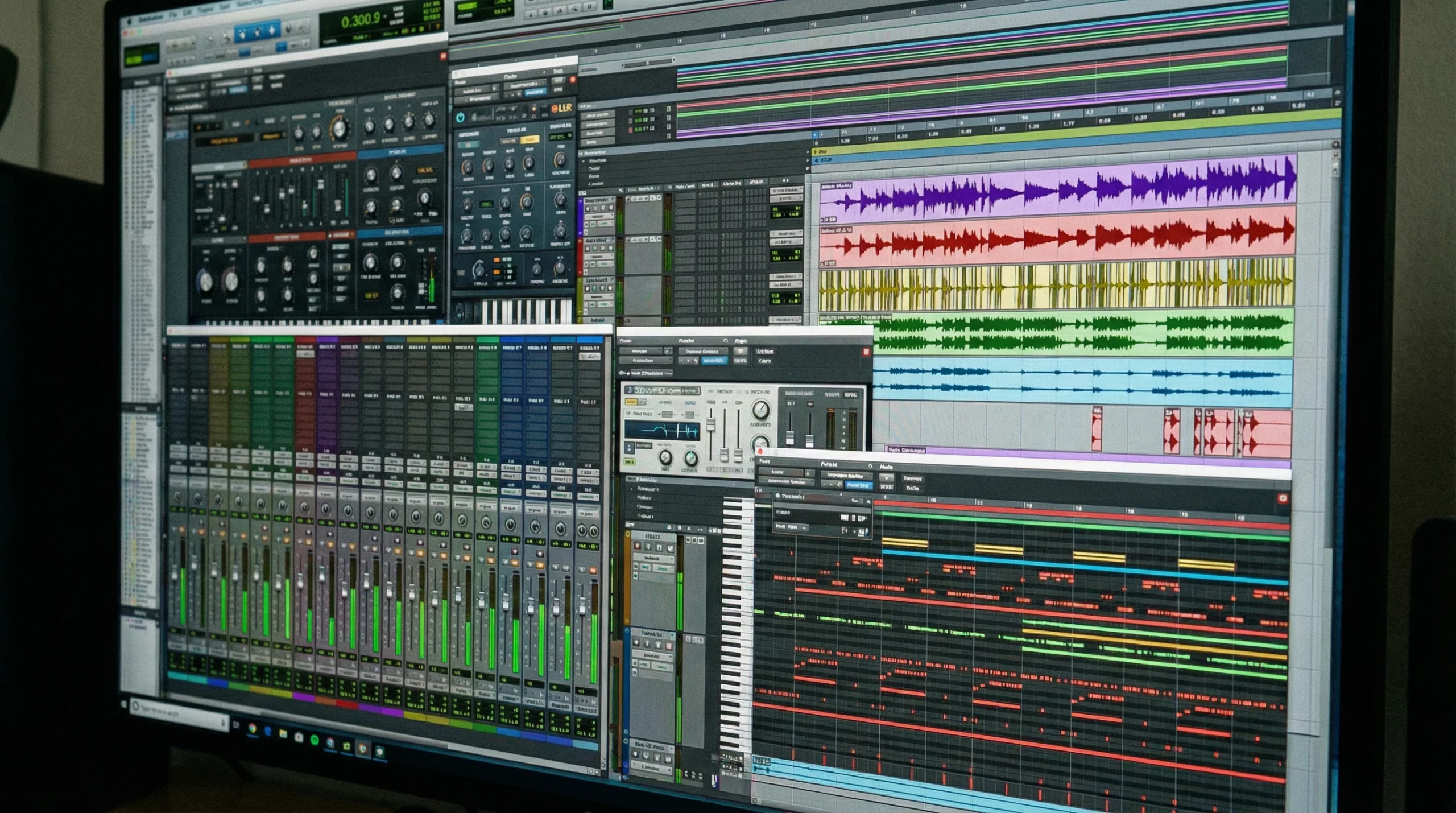
Music production is all about flow. When your creative energy is high, and your tools do what you want them to, you can turn ideas into finished tracks faster and with less frustration. But let’s be real. DAWs are packed with features, and the endless plugin choices can easily mess up your rhythm. After working on tracks in bedrooms, studios, trains, and coffee shops, I’ve found a few workflow tricks that save a ton of time. Here’s what keeps me working smarter, not harder, whenever I open up a project.
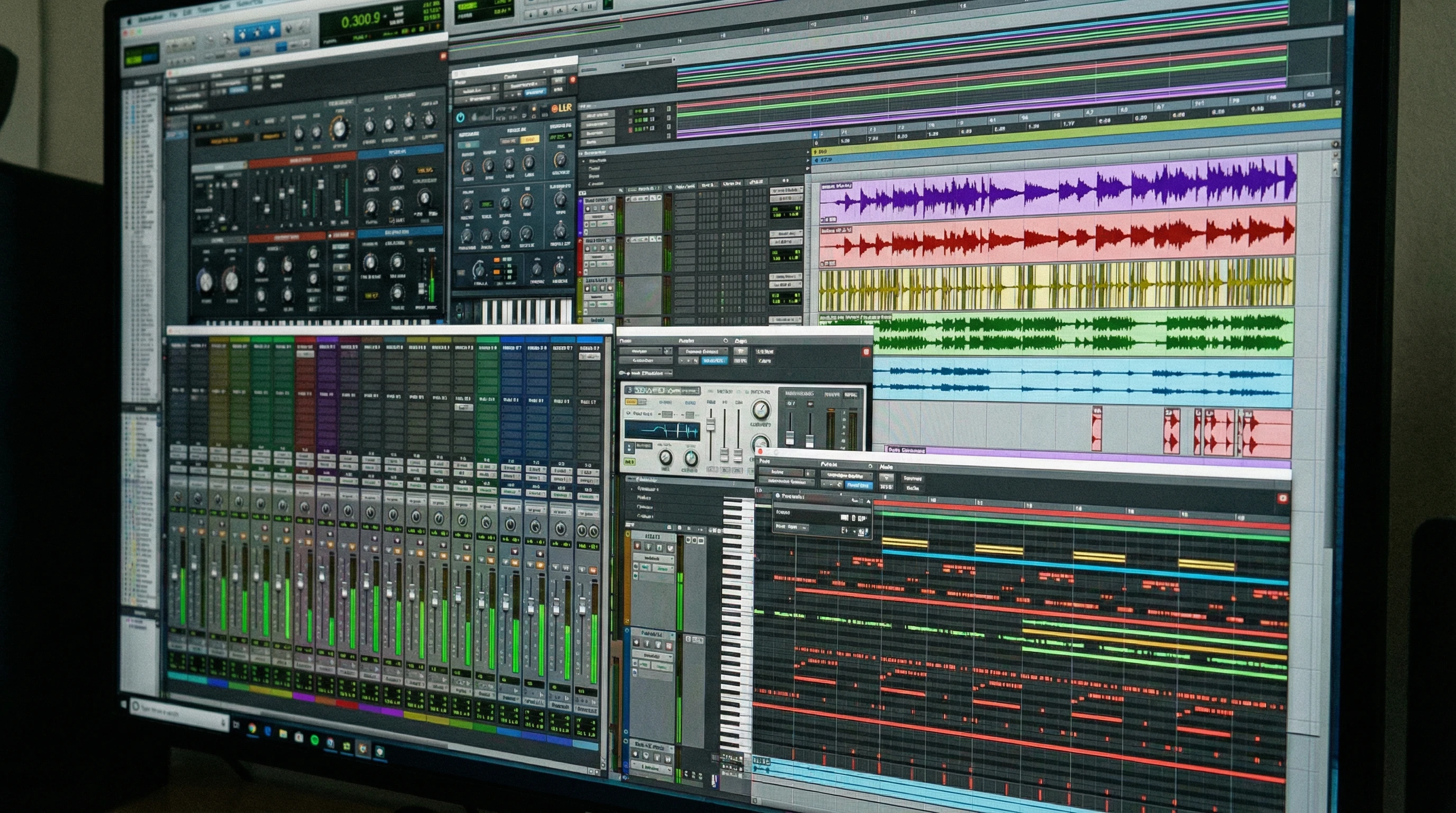
Building a Streamlined Plugin Collection
The world doesn’t need another reverb shootout in the middle of writing a hook. Yet, it can be super tempting to chase the next big plugin, thinking, “This one might have the exact sound I need.” I’ve been there, spent hours there. Now here’s the trick: Limit yourself to about 10 to 15 plugins that you actually love. Know them so well that you can dial in whatever you want without thinking twice.
This isn’t about “never trying new stuff.” New plugins have their place, usually when you want some fresh inspiration or a specific effect. But when it comes to getting those tracks finished? It pays to reach out for the plugins that get the job done. Every time I cut my list down, my sessions move way faster, and I end up enjoying the process a lot more.
- Key Takeaway: Save your goto plugins for mixing, synths, effects, as your preferred ones. (In Ableton you can add them to the collection folders. Find out how you can do it in your DAW.) Ignore the rest of your plugin collection until your next sound design experiment day.
Saving and Using Your Own Plugin Presets
Plugin presets save brainpower. But here’s something I’ll admit. I put off saving my own for ages, even though I’d end up turning the same dozen knobs every time I opened my favorite delay or compressor. Why waste those extra seconds dialing in the same settings?
It’s an easy fix. Whenever you tweak a plugin and think, “That’s exactly what I like,” save it as a preset. Most plugins make this super simple, and you’ll thank yourself next time you need that short vocal slapback, crunchy parallel drum mix, or your goto mastering EQ curve.
If you always use a certain preset, take one more step and make it the default for that plugin. That way, every time you load it, it already sounds how you want. This move alone shaved minutes off each session for me, especially when working with project deadlines or when inspiration hits late at night.
- Pro Move: Label presets clearly so you know exactly what they’re for (like “Snare Snap V1” or “Warm Bus Glue”). Your future self will be grateful.
Making the Most of Track Presets in Your DAW
Every modern DAW gives you the option to save track presets, but it’s surprising how few producers use them regularly. These little gems let you save not just plugin chains but also return tracks, routing settings, and even MIDI channel setups. Then, next time you’re starting a session, a fully armed vocal channel or drum bus is literally a click away.
In Ableton Live, for example, you can save an audio track preset loaded with, EQ, compressor, and the Utility plugin, set just how you like. Then you can drag it into a session or even set it as the default, so every time you create a new audio track, it comes with the plugins already loaded. No more staring at a blank track and reloading effects from scratch.
When you find a chain that feels right, don’t just use it for one project. Save it, and you’ll always have a readymade foundation. Quickly dropping a vocal chain or drum bus setup into a new session means you don’t have to break your creative flow to stay organized and consistent.
- Tip: Check if your DAW lets you set up custom folders for track presets. Organize by track type or genre for even faster browsing.
Setting Up and Using Project Templates
This one delivers the biggest single time savings. Templates turn an empty DAW into your own custom production launchpad. Instead of starting with a blank page, you’ll open a session already loaded with your favorite tracks, groups, buses, color layouts, and maybe even sidechain routing. For different stages, like producing, mixing, or mastering, having separate templates can save huge amounts of time and keep you focused.
For production, my template has all the MIDI instruments, drum racks, audio tracks, and buses I usually reach for. When I’m mixing, (given it’s a pure mixing project with no production involved) I keep a different template. No MIDI tracks, just audio channels and my typical master bus processing chain. Mastering? Just a stereo track with my processing plugins ready to go. Templates are easy to update as your preferences change, so don’t feel like you have to keep one setup forever.
- RealWorld Example: If you always sidechain your bass to your kick, set that up in your template. That’s one less technical chore next time you start a tune.
Mastering Key Commands to Move Faster
If you want to go from “good” to “quick and pro,” keyboard shortcuts are probably the most important trick out there. I seriously recommend spending time learning them, even the ones you’re not using yet. They aren’t just for editing or arranging; key commands handle everything from switching tools to snapping clips into place to zooming in and out. If you usually reach for the mouse and step through popup menus for certain processing tasks, try swapping that step for a shortcut and watch your flow get smoother.
Most DAWs let you customize hotkeys if the defaults don’t make sense for you. I keep learning new shortcuts all the time. The trick is learning them one by one and forcing yourself to use them until they’re second nature. After a few weeks, muscle memory takes over and those microwins stack up quickly.
- Quick Hack: When your DAW updates, spend a little time finding any new shortcuts and adding them to your rotation. Don’t settle for slow habits!
Troubleshooting Common Workflow Roadblocks
Even with all these tips, snags come up. Tweaking plugins is awesome, unless you get drawn down a three hour rabbit hole. Templates are helpful, unless they get so bloated they bog down your CPU and creativity. Here’s how I get around the most common workflow hurdles:
- Overloaded Plugin List: Every month, review your plugins and temporarily hide or uninstall the ones you never touch. Out of sight, out of mind, and you’ll work quicker.
- Messy Preset Folders: If you can’t find your saved chains, spend an hour resorting everything and add clear names. Organization upfront pays off forever.
- Template Creep: If your template project files get heavy or slow, trim them down. Only include tracks and buses you use on every song. For everything else, make track presets you can load as needed.
- Stuck Routines: Change one shortcut at a time. Don’t expect to memorize fifty new hotkeys overnight. One or two per week is a good starting point.
Extra Context: Getting Started with a New Workflow
Jumping into a more efficient workflow can feel weird at first, especially if you’re used to working off the cuff. Here’s how I ease the transition:
- Dedicate a session to setting up your workflow tools before you start your next project. This means picking your plugin lineup, setting up track presets, and creating those templates so you don’t tinker mid-creation.
- Test out your workflow on your next project. Stick to your chosen tools and templates. If anything feels clunky or missing, adjust.
- Be patient if the first few sessions feel awkward. By the end of the week, you’ll be blazing around your DAW and spending a lot more time making music than setting up.
Many DAWs have forums and video tutorials for exactly this kind of workflow setup. Worth checking out if you need step-by-step instructions tailored to your software.
Wrapping Up with a Challenge
Workflow tweaks aren’t the flashiest skills in music production, but they’re the backbone of every killer track you finish. Start small: trim your plugins, save your favorite settings, build a customizable template, adopt new shortcuts bit by bit. The payoff is real. Your ideas stay fresh, your sessions are focused, and you’ll pump out more music you’re actually proud of. Ready to stop fussing and finish more tunes? Make one change today. Then go crank those speakers and get back to making tracks the fun way.
2 replies to "5 Music Production Workflow Efficiency Tips"
Great article — I really appreciate how you break down concrete steps to stay creative while staying efficient. Especially the idea of limiting my plugin choices hit me. It’s kind of counterintuitive but makes total sense. Something I’m going to try.
I have one question though: As I’m switching genres now and then, do you recommend one universal template or several genre‑specific ones?
Glad the article was helpful — and yeah, limiting plugins feels counterintuitive at first, but it really does streamline things.
On the template question, it honestly depends on your workflow. If you find yourself using noticeably different plugins, routing, or instrument setups when you switch genres, then having separate genre-specific templates will probably save you a lot of time. But if your workflow kinda stays the same regardless of style, one template is usually all you need.
Hope that helps:-)